Case Study: Building Nectar - Smarter Token Pipelines and Flexible UI Components at Privacy Bee
Lead Design System Engineer
~40%
Faster handoffs
0%
Design-to-code drift
High
Developer adoption
As Privacy Bee started growing and shipping more features, we hit a massive engineering wall. Our teams were duplicating work, and our shipping speeds crawled to a halt because of shitty design handoffs and deprecated frameworks.
Most people doubted we could build a single, unified design system that worked across all our products without removing what made each app unique. To do it right, we rebuilt our entire frontend using Nuxt 3, pairing it with our new design system which I named Nectar.
By running our documentation through VitePress, we connected Figma directly to our live code docs and production repos. The result was a flawless, automated chain where design choices instantly update both the documentation and the live apps without anyone having to manually copy over styles.
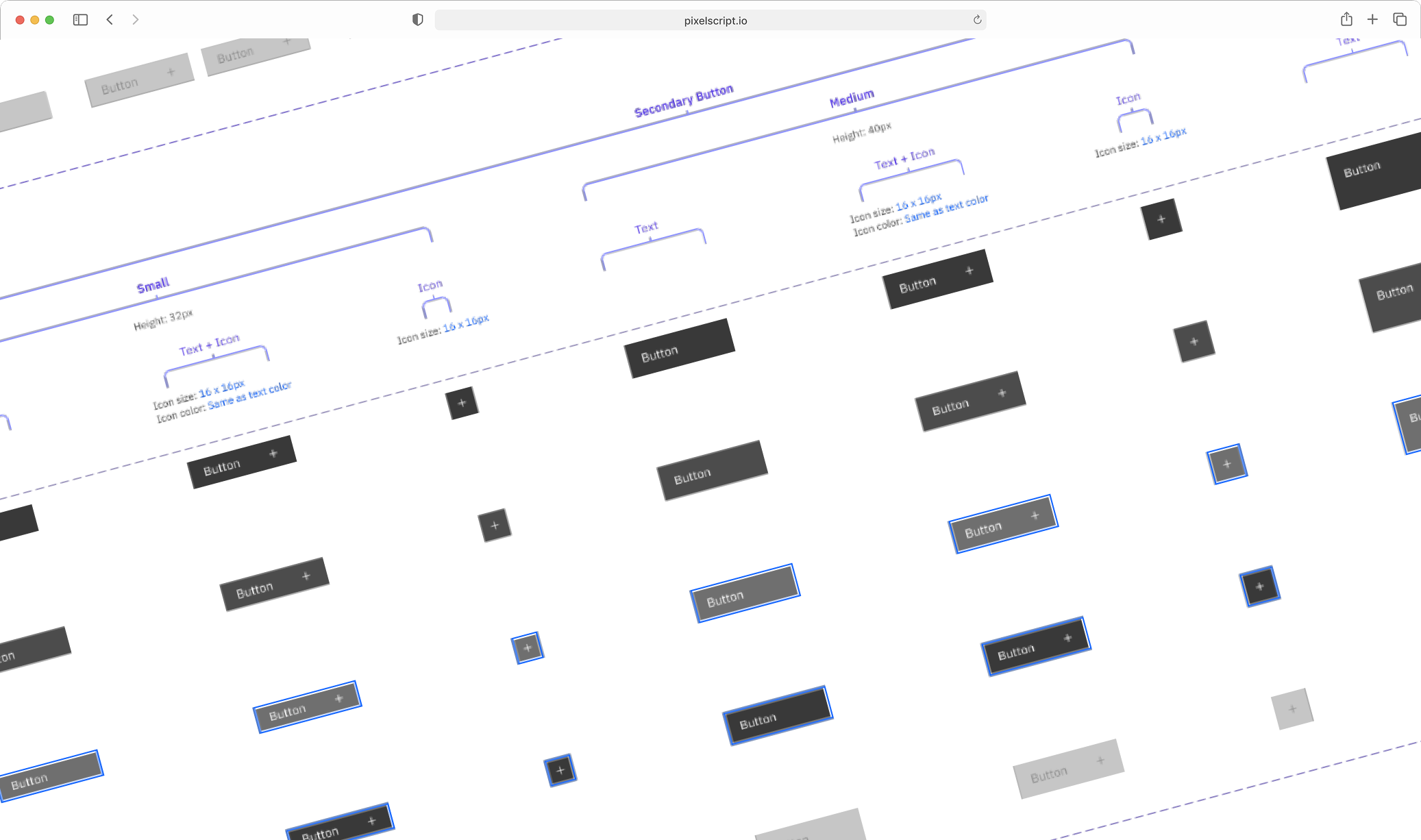
The Friction (What was breaking)
Before Nectar and the Nuxt 3 migration, our development lifecycle was a constant battle against a disconnected stack:
- Reinventing the wheel: Separate teams were constantly rebuilding identical interface elements from scratch. This left us with highly decoupled codebases, inconsistent UI states, and a ton of duplicate styling.
- We did screw up: Our first pass at a shared library missed the mark. We brought users into the feedback loop way too early—before we actually had our own build automation and priority processes figured out. Naturally, they didn't love it, so we went back to the drawing board to iron everything out.
- Manual translation and bloated code: Every time we tweaked a corner radius, a spacing value, or a brand color inside Figma, the change had to be passed to engineering via static mockups or Slack. Engineers then hardcoded those values, creating miles of redundant custom CSS that bloated our production bundles.
- The endless visual QA loop: Instead of focusing on accessibility, usability, or actual feature logic, we spent way too many development cycles stuck in review meetings pushing pixels back and forth.
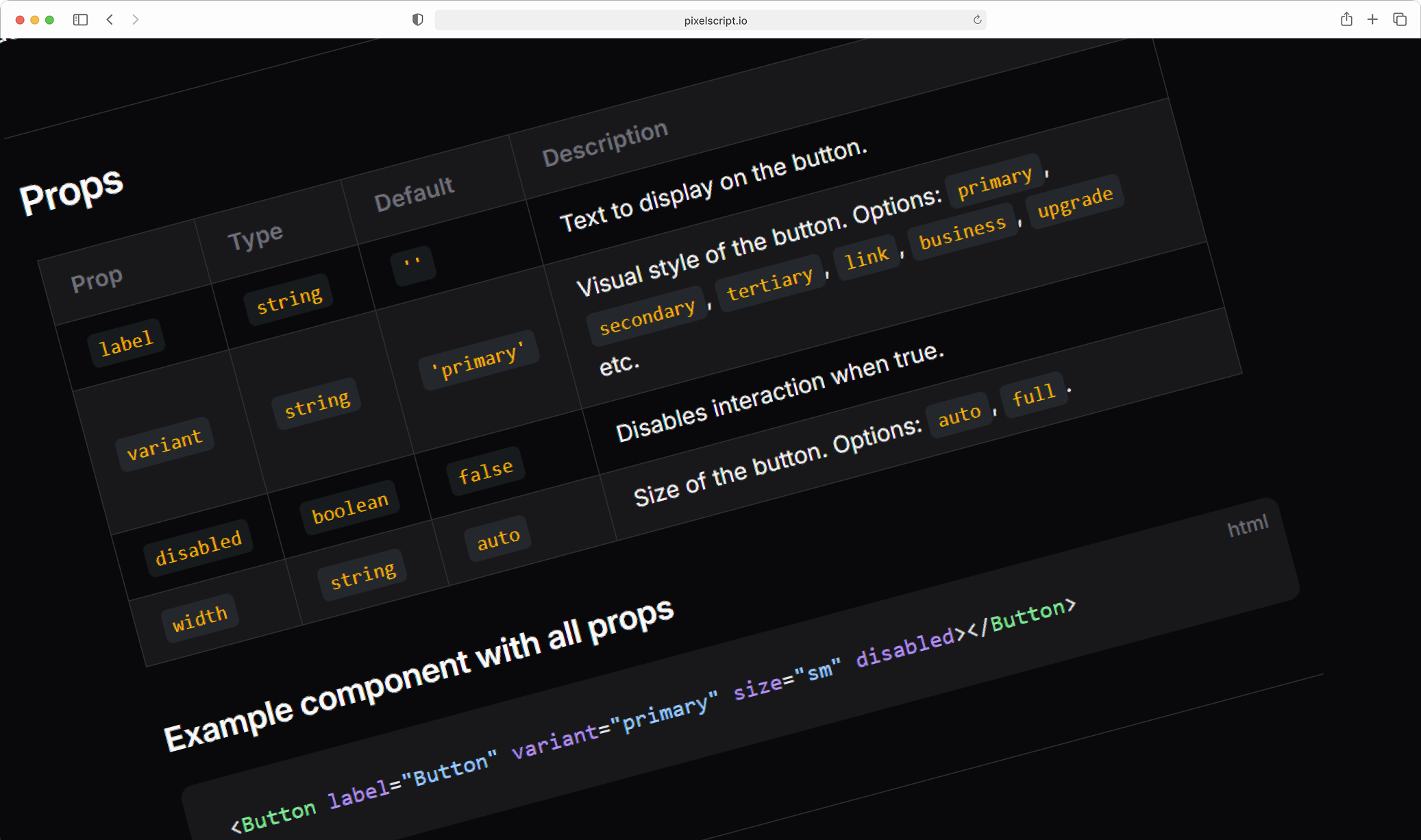
The Architecture
To clear out the clutter, we treated our UI infrastructure like a real software product. We automated the boring stuff with a continuous pipeline that turns design choices directly into production code utilities and live documentation without human intervention.
- The Source (Figma): Designers define and update baseline values (colors, typography, spacing) right inside Figma using Variables.
- The Output (Code): The pipeline generates reusable utility functions and component templates that can be used throughout the codebase.
- The Result (Vitepress): The pipeline generates live documentation that shows how to use the new utilities and components.
Because VitePress is built on top of Vue, our documentation site renders the exact same production Vue components our apps use. If a token changes in Figma, the documentation updates its live interactive examples and production apps receive the updated style at the exact same moment.
The Strategy
Engineering an adoptable system meant giving developers predictable component code, pairing it with documentation, and providing enough layout freedom so they wouldn't want to detach from the library.
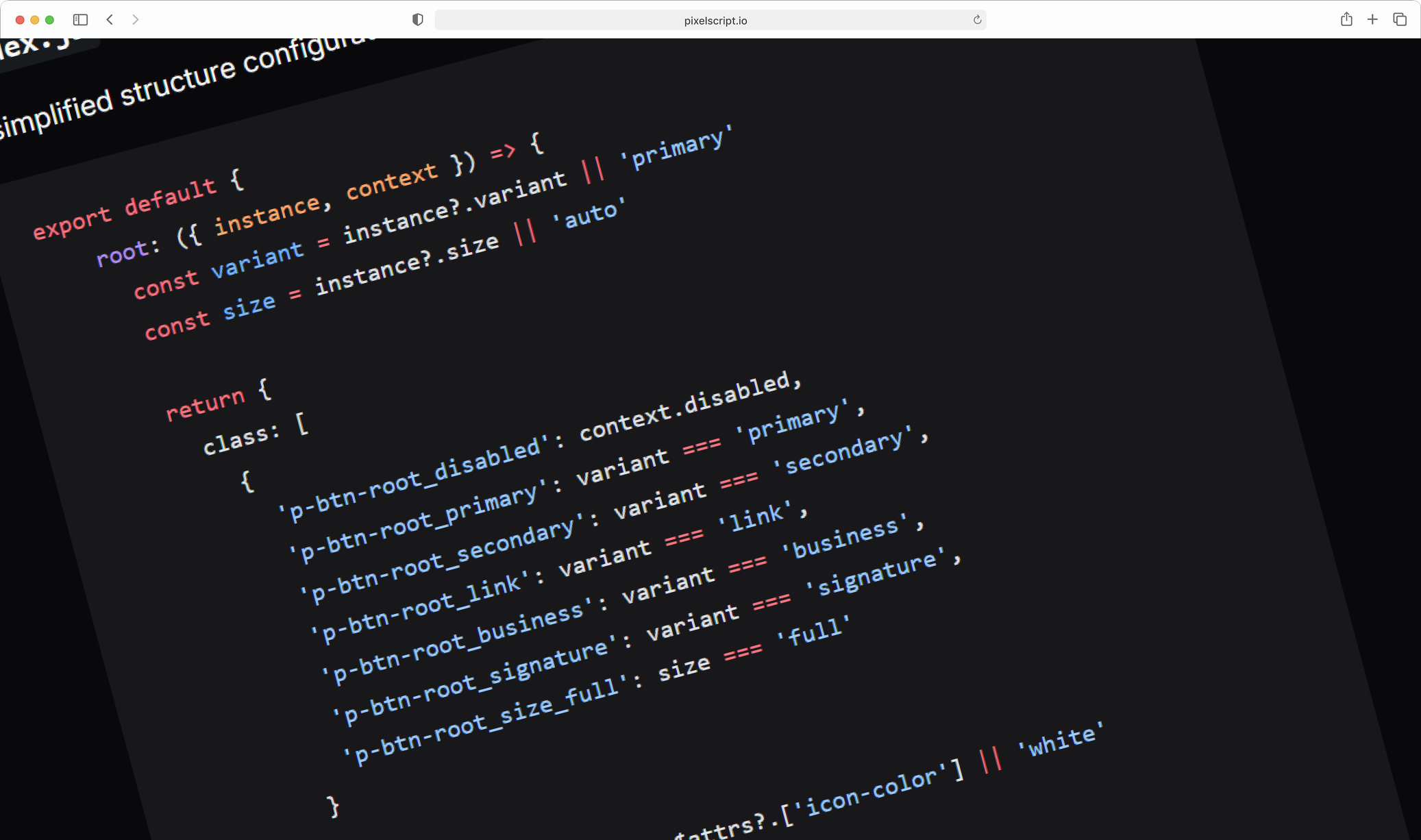
Living Documentation with VitePress
We knew that if documentation is hard to maintain, it dies. By choosing VitePress, we kept all our documentation inside the codebase as clean Markdown files packed with live, interactive Vue 3 component examples.
Sorting the Backlog with Data
We didn't just pick components out of a hat. To build trust with engineering and maximize early adoption during our massive Nuxt 3 frontend rebuild, we sorted our backlog strategically:
- Consumer Need I audited our legacy repositories, using component instance counts as a proxy for actual developer need. The components used most frequently in production were fast-tracked for tokenization in Nectar.
- Atomic Sizing: We built strictly from the smallest pieces up. Because large components naturally rely on smaller building blocks, nailing elements like buttons and text inputs first ensured a highly stable, dependency-free development loop.
The Payoff
By shifting our UI foundation to automated pipelines, migrating our frontend to Nuxt 3, and launching live documentation via VitePress, Nectar completely changed how Privacy Bee ships software. We removed the need for static design specs, slashed time trapped in visual QA, and ensured production styles always mirror Figma variables in real time. Strict component guardrails and tokenized utilities eliminated messy override CSS and flexible slots plus clear documentation made Nectar a system developers actually want to use.